I see another sequence running under mine. What can cause this?
Some of the causes of another sequence appearing under the primary sequence are:
• Contamination: There is more than one species of DNA present (e.g., multiple PCR products).
• Primers: Primer is annealing in more than one location on the template, primer dimer, primer degradation or not manufactured properly resulting in N+1 or N-1, carry over from PCR reaction, or primers pairs in a multiplex reaction that are not appropriate for multiplexing (i.e., primers anneal inappropriately).
• Spectral/Matrix: If the raw data signal intensity of the sample is too high or saturated it can exceed the amount of color bleedthrough (or spectral overlap) that the matrix (310) or spectral (3130, 3730, 3500) are removing, resulting in secondary peaks appearing in a very specific pattern (e.g., a red peak always appearing under a green peak). A change in the camera, laser, or optical alignment requires that a new matrix be made or a new spectral calibration be performed.
For more information on more than one sequence or set of peaks in a sequencing run, please refer to the DNA Sequencing by Capillary Electrophoresis: Applied Biosystems Chemistry Guide: Second Edition (Cat. No. 4305080, Rev. C). The guide can be found by searching the Thermo Fisher Scientific website with the catalog number 4305080.
Find additional tips, troubleshooting help, and resources within our Capillary Electrophoresis Applications Support Center.
What does the SeqStudio Starter Kit (PN A35000) contain?
The SeqStudio Starter Kit (PN A35000) includes:
- SeqStudio Integrated Capillary Protector (Cat. No. A31923)
- SeqStudio Cathode Buffer Container (Cat. No. A33401)
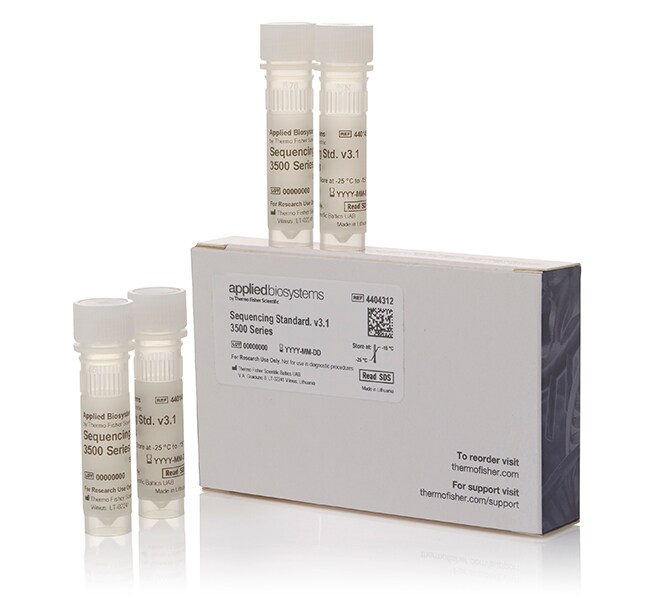
- Sequencing Standard, BigDye Terminator v3.1, for 3500/SeqStudio Flex (Cat. No. 4404312)
- DS-33 GeneScan Installation Standards with GeneScan 600 LIZ Size Standard v2.0 (Cat. No. 4376911)
- Hi-Di Formamide (Cat. No. 4401457)
- MicroAmp Optical 96-Well Reaction Plate with Barcode (Cat. No. 4306737)
- MicroAmp 96-Well Tray/Retainer Set (Cat. No. 403081)
- MicroAmp Optical 8-Tube Strip, 0.2 mL (Cat. No. 4316567)
- Nuclease-Free Water (not DEPC-Treated) (Cat. No. AM9930)
- Cathode Buffer Container Reservoir Septa for SeqStudio Genetic Analyzer (Cat. No. A35640)
- 96-well Septa for SeqStudio Genetic Analyzer (Cat. No. A35641)
- 8-strip Septa for SeqStudio Genetic Analyzer (Cat. No. A35643)
- SeqStudio Cartridge v2 (PN A41328) (if this component is ordered online the catalog number is A41331)
Find additional tips, troubleshooting help, and resources within our Capillary Electrophoresis Instruments Support Center.
What is the shelf life of the sequencing standard?
The sequencing standard has a shelf life of one year from the date of shipment, unless otherwise listed on the CofA. Our Terms and Conditions of sale can be found here(https://www.thermofisher.com/content/dam/LifeTech/Documents/PDFs/Terms-and-Conditions-of-Sale.pdf).
Find additional tips, troubleshooting help, and resources within our Capillary Electrophoresis Applications Support Center.
Can I re-inject sequencing standard that is already been resuspended in Hi‑Di formamide? If so, how do I store it between uses? How long will it last?
The sequencing standard is intended to be used after resuspension in Hi‑Di Formamide. It can be injected multiple times; the number of times will vary depending on the instrument-specific standard used. This information can be found in the product insert. The sequencing standard should be stable for 24 hours on the instrument.
Find additional tips, troubleshooting help, and resources within our Capillary Electrophoresis Applications Support Center.
When I started my run on the Applied Biosystems 3500/3500xL Genetic Analyzer, an error occurred: "Unstable Electrophoresis current detected, check for air bubbles" but I don't see any bubbles. What else can cause this?
Some of the other causes of an Unstable Electrophoresis current detected error message are:
1.Leak on the system
2. Polymer that:
-Has expired
-Has been left on the instrument for more than the recommended time
-Is a mixture of expired polymer and non-expired polymer
3. Running Buffer that was:
-On the instrument longer than 2 weeks
-Not filled to the fill line or evaporated below the fill line
4. An arcing event that was not cleaned afterwards using the water wash wizard
5. Not performing regular maintenance on the instrument
6. Hardware issues
Inspect the system for leaks. If you do not see any leaks on the system, perform the wash the pump chamber and channels wizard using the conditioning pouch and place fresh, non-expired polymer and fresh Anode and Cathode buffer containers. If the problem persists, a service call may be required.
Find additional tips, troubleshooting help, and resources within our Capillary Electrophoresis Instruments Support Center.