Search

Applied Biosystems™
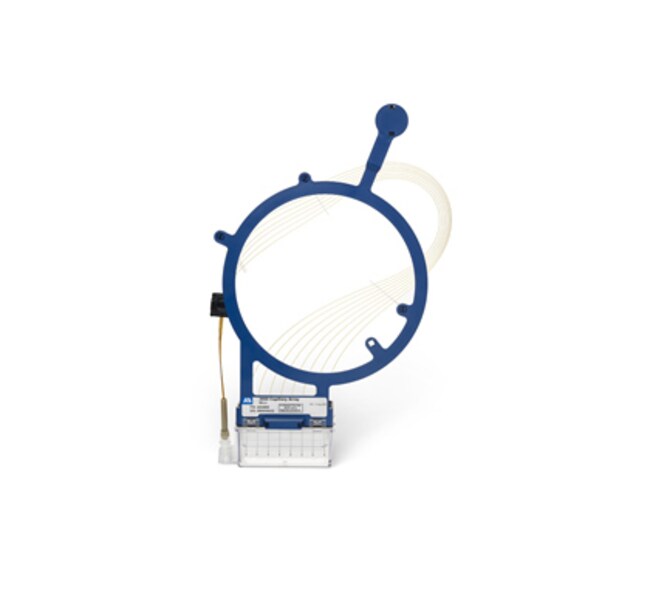
3500 Genetic Analyzer 8-Capillary Array, 50 cm
The internally uncoated capillaries are supplied in preassembled sets of 8 capillaries per array, with a built-in frame for easyRead more
| Catalog Number | Quantity |
|---|---|
| 4404685 | 1 array |
Catalog number 4404685
Price (CNY)
25,179.00
Each
Quantity:
1 array
Price (CNY)
25,179.00
Each
The internally uncoated capillaries are supplied in preassembled sets of 8 capillaries per array, with a built-in frame for easy installation.
Applications of the 50 cm capillaries:
Sequencing fragment analysis and protein quality analysis
For Research Use Only. Not for use in diagnostics procedures.
Applications of the 50 cm capillaries:
Sequencing fragment analysis and protein quality analysis
For Research Use Only. Not for use in diagnostics procedures.
For Research Use Only. Not for use in diagnostic procedures.
Specifications
Capillary Length50 cm
For Use With (Application)Protein Quality Analysis, Fragment Analysis, Sequencing
For Use With (Equipment)3500 Genetic Analyzer
Format8-Capillary Array
Quantity1 array
Shipping ConditionRoom Temperature
Test Time125 min.
Product Type3500 Genetic Analyzer 8-Capillary Array
Unit SizeEach
Contents & Storage
Store this array at ambient temperature. For details about storing the capillary array on and off the instrument, please refer to the Applied Biosystems 3500/3500xL Genetic Analyzer User Guide.