18 Sep 2019

How to Batch Process an Image Recipe on a Set of 2D Images with Amira-Avizo2D
Example of a batch file to perform batch processing on a set of porous silicon SEM images.
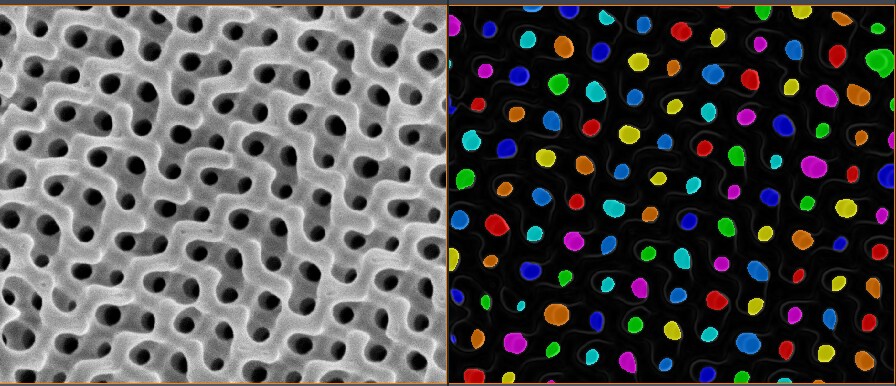
With this batch processing, the recipe detects pores on each image and produces measures, merged in a unique csv file.
Open the .a2d batch file in an editor to observe its format. It sets the following:
- Input path : ./images
- Recipe: poroussilicon.hxisp
- Measure group: Particles/Pores Analysis
- Output path : ./out
Double-click on the .a2d file to execute the batch processing in Amira-Avizo2D.
This example relies on the pore detection recipe for porous silicon Xtra.
Download a version compatible with Amira-Avizo2D 2019.3 and 2019.4 HERE.