Why did my Ion Chef Instrument stop during a run?
- The instrument may have encountered an error. We recommend recording the error shown on the instrument display, then tapping OK. For further assistance, contact Technical Support at techsupport@thermofisher.com.
- A consumable may have been improperly loaded. We recommend ensuring that all consumables are correctly loaded. For instructions, see the user guide for your templating kit. For further assistance, contact Technical Support at techsupport@thermofisher.com.
Find additional tips, troubleshooting help, and resources within our Next-Generation Sequencing Support Center.
Why is the door of the Ion Chef Instrument not opening?
- An obstruction may be present on or around the door mechanism. We recommend removing the obstruction blocking the door, then resuming normal instrument operation.
- The instument may be experiencing a hardware or software error. We recommend contacting Technical Support at techsupport@thermofisher.com.C8
Find additional tips, troubleshooting help, and resources within our Next-Generation Sequencing Support Center.
Why does the Ion Chef Instrument not display the home screen when powered on?
Multiple causes are possible. We recommend powering off the instrument, waiting for 30 secs and then powering on the instrument. If you continue to experience the issue, contact Technical Support at techsupport@thermofisher.com.
Find additional tips, troubleshooting help, and resources within our Next-Generation Sequencing Support Center.
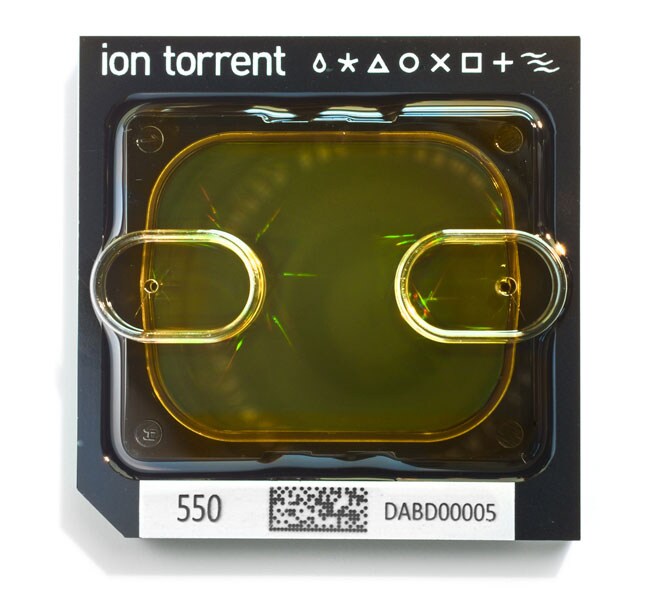
How long can my loaded Ion 550 chip be stored prior to running on the sequencer?
Remove and sequence chips as soon as possible after the Ion Chef System finishes loading them. If you cannot sequence a loaded chip immediately, store it in a chip storage container at 4 degrees C until you are ready to run it (up to 24 hours maximum).
Find additional tips, troubleshooting help, and resources within our Next-Generation Sequencing Support Center.
Why do my Ion 550 chip "Reagent Check" traces look different from those seen with the other Ion chips (510, 520, 530, and 540)?
This is because the new chip surface and the way the instrument reads the Ion 550 chip are different from the Ion 540/530/520/510 chips.
Find additional tips, troubleshooting help, and resources within our Next-Generation Sequencing Support Center.